


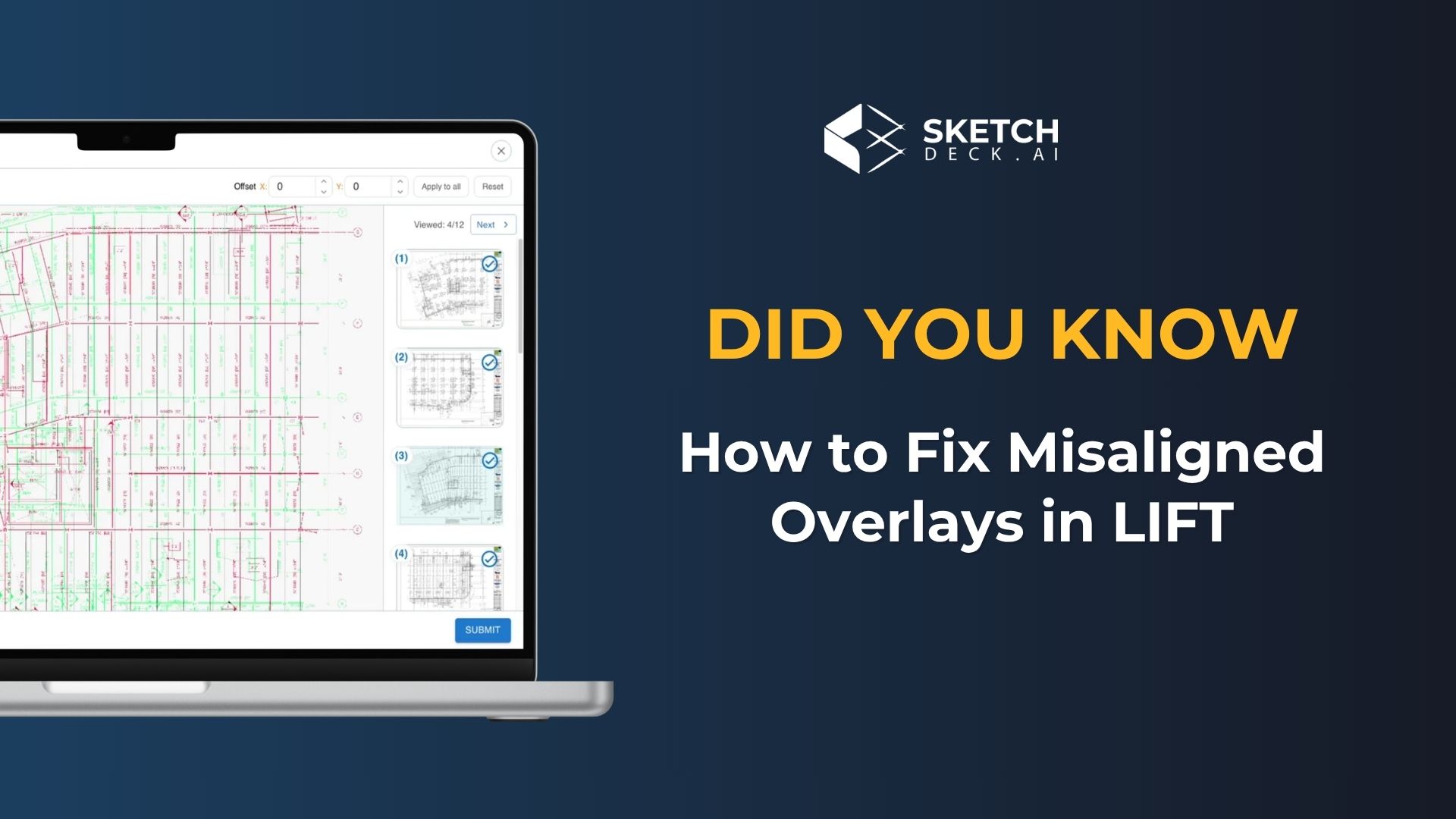
When a revised drawing set comes in, the overlay in SketchDeck (formerly LIFT) compares it against your original and color-codes what changed. That works when the two sets line up on the page. When engineers shift the drawing position between revisions, the overlay stops making sense.
SketchDeck now lets you click and drag the revised drawing back into place. Here is how it works.

The color coding shows you what changed at a glance
SketchDeck’s overlay compares your original drawing set against the revised set. Lines, text, and symbols only in the original show red. Anything only in the revision shows green. Everything shared between the two stays black.
You can see which beams moved, which labels changed, and how much of the set is affected in a few seconds. It is a quick way to scope the revision and plan your response.
Engineers shift drawings on the page between revisions
Overlays depend on both sets sitting in the same position on the page. An engineer might add a detail or a note and offset the drawing to make room. Sometimes there is no obvious reason at all. Either way, the overlay no longer lines up and you get a mess of red and green that is hard to interpret.
Click and drag aligns the revision with the original
Click the revised drawing, drag it over the original, and the two sets align in a few seconds. For the last bit of precision, the arrow keys nudge the drawing up, down, left, and right until the alignment is exact.
Once the sets line up, every overlay you view in SketchDeck reflects the correct alignment.
Watch the full walkthrough
This 2-minute video covers every step above, with a live demo inside SketchDeck from our Head of Product, Grayson Ingram.
Questions about working with overlays? Reach out to your Customer Success rep. We are happy to walk through it on one of your own projects.
New to SketchDeck? Book a demo and we will run a takeoff on one of your past projects.
Related reading
- Did You Know: How to Process Revised Drawings Automatically in SketchDeck
- Introducing Revision Management in SketchDeck
- Did You Know: How to Customize Your Quantities Panel in SketchDeck
- Building a High-Performance Steel Estimating Workflow