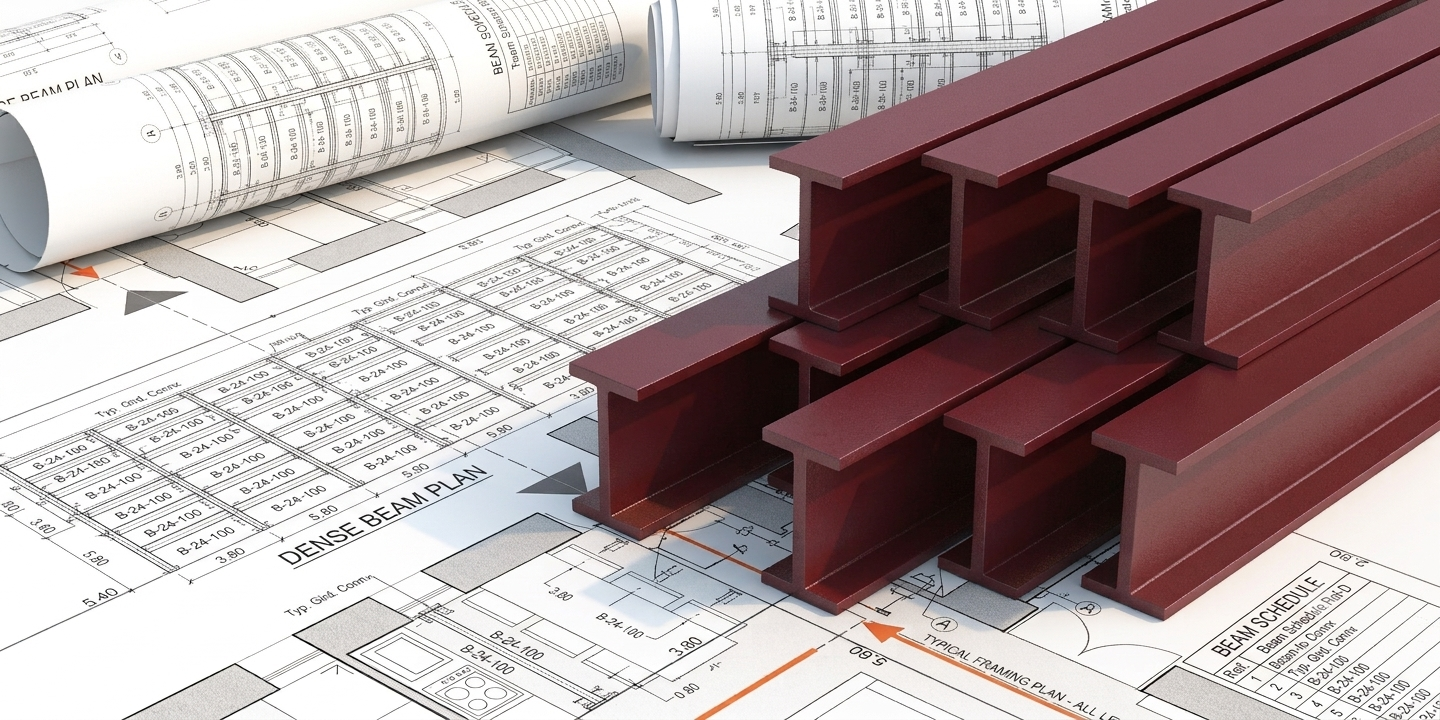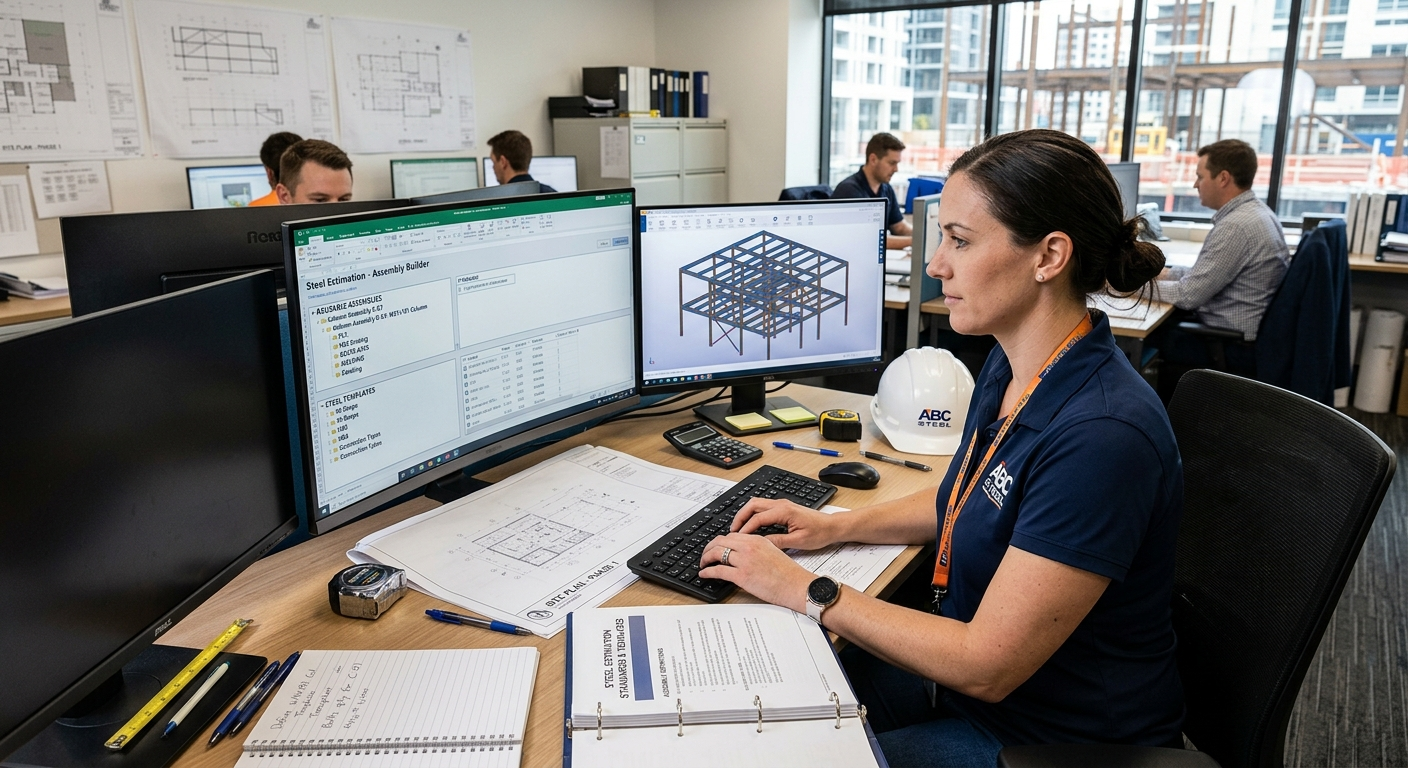

Every steel project has recurring elements. Standard connections. Common beam-column assemblies. Typical stair details. The same base plate configurations appearing across multiple projects. Yet many estimating departments rebuild these from scratch on every bid, treating each project as though it were the first one their shop had ever seen.
The redundancy is expensive. Cycle times inflate. Errors get reintroduced on details the team had already solved on prior projects. Institutional knowledge that lives only in senior estimators' heads never accumulates into team-level capability. And the estimator time that should have been going to strategic bid work instead gets consumed by counting members and reclassifying connections the shop has estimated hundreds of times before.
The fix is systematic: build reusable templates and assemblies that turn individual expertise into institutional knowledge, then apply them consistently across bids. This article walks through what templates and assemblies actually are, how to build a library that pays off across projects, and how modern AI tooling changes what "reusable" can mean in practice.
This article sits under Building a High-Performance Steel Estimating Workflow and is the templates-and-assemblies companion to the broader workflow design covered in the pillar.
Steel projects are inherently modular. A commercial building might use hundreds of identical beam connections. A warehouse relies on repetitive column-bay layouts. An office tower uses the same base plate configuration across an entire floor. Without templates and assemblies, estimators end up:
The Construction Dive analysis of the estimator talent gap makes the case for institutional-knowledge capture more urgent than it used to be. AGC data shows one in four construction workers is over 55, and the BLS projects 41% of the current workforce could retire by 2031. The BLS Occupational Outlook Handbook projects cost estimator employment to decline 4% from 2024 to 2034. The expertise your senior estimators carry in their heads walks out the door when they retire unless it has been captured systematically. Templates and assemblies are one of the primary mechanisms for that capture.
The financial exposure of not doing this work is real. According to the Construction Industry Institute, rework represents between 2% and 20% of total project costs, with an average of 12%. Estimating errors sit at the front of that chain. Reusable templates reduce the surface area for inconsistency, which reduces the surface area for rework.
The terms often get used interchangeably, but they serve different purposes.
Templates are project frameworks that predefine the structure of an estimate. They typically include:
Assemblies are pre-engineered groupings of steel components with associated labor and cost data. Examples include:
Templates set the project framework. Assemblies fill in the physical components. Together they eliminate a substantial portion of the repetitive work every estimator does across projects with similar structural systems.
For the connection categorization framework the assemblies build on, see Connection Identification: A Systematic Approach. For the material classification conventions your templates should default to, see Material Classification Best Practices: Plates, Angles, Channels, and More.
Four categories of benefit compound when the library is built and maintained well.
Reduced repetitive data entry. The most obvious benefit and often the smallest one in the long run. Estimator hours that used to go to entering the same connection specs on every bid now go to strategic work.
Enhanced accuracy on recurring items. Once a connection assembly has been priced correctly and reviewed, using that assembly on the next project inherits the accuracy. Errors that would have been reintroduced on manual re-entry disappear.
Institutional knowledge capture. Your veteran estimators know things that are not written down anywhere. Which connection details take longer than the drawings suggest. Which suppliers have consistent lead times on specific shapes. Which member configurations tend to surprise you at fabrication. Templates and assemblies are how that knowledge accumulates as a team resource rather than as individual expertise that walks out at retirement.
Scalability. Shops that have built strong template libraries can take on larger projects and higher bid volumes with the same estimator headcount. This connects to the broader capacity conversation covered in Breaking the Headcount Barrier: Scaling Bids Without Hiring.
The framework below is the five-step sequence experienced estimating departments use to build a template library that actually pays off.
Start with what your shop already does. Pull the last 12-24 months of completed bids and identify recurring patterns.
This audit produces the priority list for template development. Focus on the recurring patterns first, not the edge cases.
Consistency is what makes templates transferable across estimators. Nail down the definitions before building the library.
Build the digital repositories that the templates will pull from.
The component libraries are the reusable atomic units. Templates combine them into project-level frameworks.
Structure reusable project shells that new bids can start from.
A template project for a "standard mid-size warehouse" should include everything an estimator would otherwise set up from scratch on every warehouse bid.
Templates work when they match reality. Validation matters.
The refinement discipline is what separates template libraries that gather dust from template libraries that compound in value across years. For more on this kind of continuous improvement, see Machine Learning in Construction: How LIFT Gets Smarter Over Time.
Wondering whether your team is ready to systematize template usage? 5 Signs Your Steel Estimating Process Is Ready for an AI Transformation gives a quick gut-check.
Modern AI takeoff tools change what templates and assemblies can do at the workflow level. The disciplines above still apply. The mechanics get faster.
Custom shape and assembly libraries. LIFT lets estimators build repositories for shapes, connections, and assemblies specific to their shop's project mix. Tag components with metadata (grade, finish, fireproofing requirements). Save common configurations like moment connection details or standard stair assemblies. For a walkthrough of the customization mechanics, see Did You Know: How to Customize Your Quantities Panel in LIFT.
Automated attribute capture. LIFT reads member attributes (weights, camber, stud counts, connection conditions) from the drawings automatically per AISC conventions, then applies your shop's assembly logic to generate the BOM. For more on this, see Did You Know: How LIFT Automates Weights, Connections, and Labor Codes.
Cross-project consistency. When an assembly is defined once, it applies consistently across every project that uses it. Estimator-to-estimator variability drops.
Traceability for review. The BOM traces back to the drawing location for every line item, which makes peer review faster and more focused. The three-tier review process covered in Double-Checking Your Work: QA/QC Workflows for Takeoffs becomes practical to run on every bid, not just the largest ones.
Revision management. When drawings change, LIFT identifies exactly which assemblies are affected rather than requiring a full re-takeoff. For the walkthrough, see Did You Know: How to Process Revised Drawings Automatically in LIFT.
Detection accuracy. Detection on most LIFT projects lands in the 95-99% range per SketchDeck product documentation, with the small percentage requiring manual review being the complex items that needed estimator judgment anyway.
The partnership model the human-in-the-loop research literature identifies as the highest-performing configuration applies directly here. AI provides consistent baseline detection and assembly application. Estimator expertise applies to complex classification, pricing strategy, and the review discipline that makes bids trustworthy. Maccabee estimator Dawn Hargraves described the dynamic directly:
"I actually appreciate that it's not 100% perfect because it keeps me engaged and checking the work. We can catch any issues while still saving massive amounts of time."
The template libraries that pay off across years share a few consistent disciplines.
Start small. Template the three to five highest-use assemblies first. The temptation is to build the entire library on day one. That approach usually stalls out. Building incrementally against real project usage works better.
Involve field teams. Validate labor assumptions with foremen. Your shop's actual production data is more reliable than published industry benchmarks. The CFMA Construction Financial Benchmarks Report shows net profit margins running around 5-6%, which means labor assumptions that are off by even a small percentage compound quickly. Ground truth from the field prevents that drift.
Use version control. Track changes systematically. "BCT-001_v2_2024" tells you which version an estimator used and when the update happened. Untracked template edits become the same version-control chaos manual takeoff files produce.
Review quarterly. Material prices move. Suppliers change. Labor markets shift. A template library that has not been updated in two years is producing estimates against last cycle's market conditions.
Document the reasoning. When a labor factor is 4 hours instead of 3 hours, write down why. The context matters when a newer estimator inherits the template and needs to know whether the number still applies.
Overloading templates with rare exceptions. Templates should reflect the common case. Edge cases go in project-level adjustments, not in the standard library.
Letting unused templates accumulate. The library gets harder to navigate as it grows. Prune the templates nobody uses.
Skipping documentation. An assembly with no notes about why the labor factor is what it is becomes a mystery to the next estimator who tries to update it.
For the broader best practices framework this templates work sits within, see The Essentials: 10 Steel Estimating Best Practices Every Estimator Should Use.
The pattern across LIFT customers is consistent. Shops that built strong template and assembly disciplines captured large capacity gains because they stopped re-doing work they had already solved.
Maccabee Industries used LIFT to align estimating capacity with fabrication expansion. Their published case study documents 75% time savings on large projects, 50% overall speed improvement, and full team adoption within four months. Estimator Don Fleszar framed the math behind their decision directly:
"If we can increase the number of bids we put out by 50 to 100 percent, we're going to increase the amount of work we have equivalently."
Read the full Maccabee case study.
MSE documented up to 95% reduction in time spent on beam takeoffs with maintained 95-99% accuracy through structured review. Beam takeoff is exactly the kind of repetitive work that reusable templates target. Read the MSE case study.
MotionSteel went from 30-40 estimates per month to about 70 with the same team, more than doubling bid volume. General Manager Jay Livesey:
"It was a no brainer. I've been estimating for probably 8 years using just the good ol' highlighter and paper, wishing for a program that could automate this process."
Read the MotionSteel case study.
SSE Steel Fabrication reports 50-80% time savings on estimating. Read the SSE story.
King Steel cut estimation time roughly in half on complex structural projects. Read the King Steel case study.
The pattern in all five shops is the same. AI handled the high-volume detection work. Templates and assemblies captured the shop's institutional knowledge and applied it consistently across bids. Estimator expertise focused on the strategic work that actually wins bids and protects margin.
Reusable templates and assemblies are how estimating departments turn individual expertise into team capability. The audit-standardize-build-test-refine sequence is straightforward to execute. The compound effect over years is substantial: estimators bidding more work with better accuracy on the recurring patterns your shop knows how to price.
The template library is not a one-time build. It is a living asset that gets updated as market conditions move, as new projects reveal new patterns, and as your team learns what your shop's specific labor rates actually look like. AI tools accelerate the mechanics without changing the underlying discipline.
If you want to test what AI-assisted template application looks like on your own projects, the simplest move is to run an upcoming bid through LIFT in parallel with your current process. Compare both the time investment and the consistency of the output on the recurring patterns in your bid mix. You can start by booking a live demo.