Did You Know: How to Customize Your Quantities Panel in LIFT

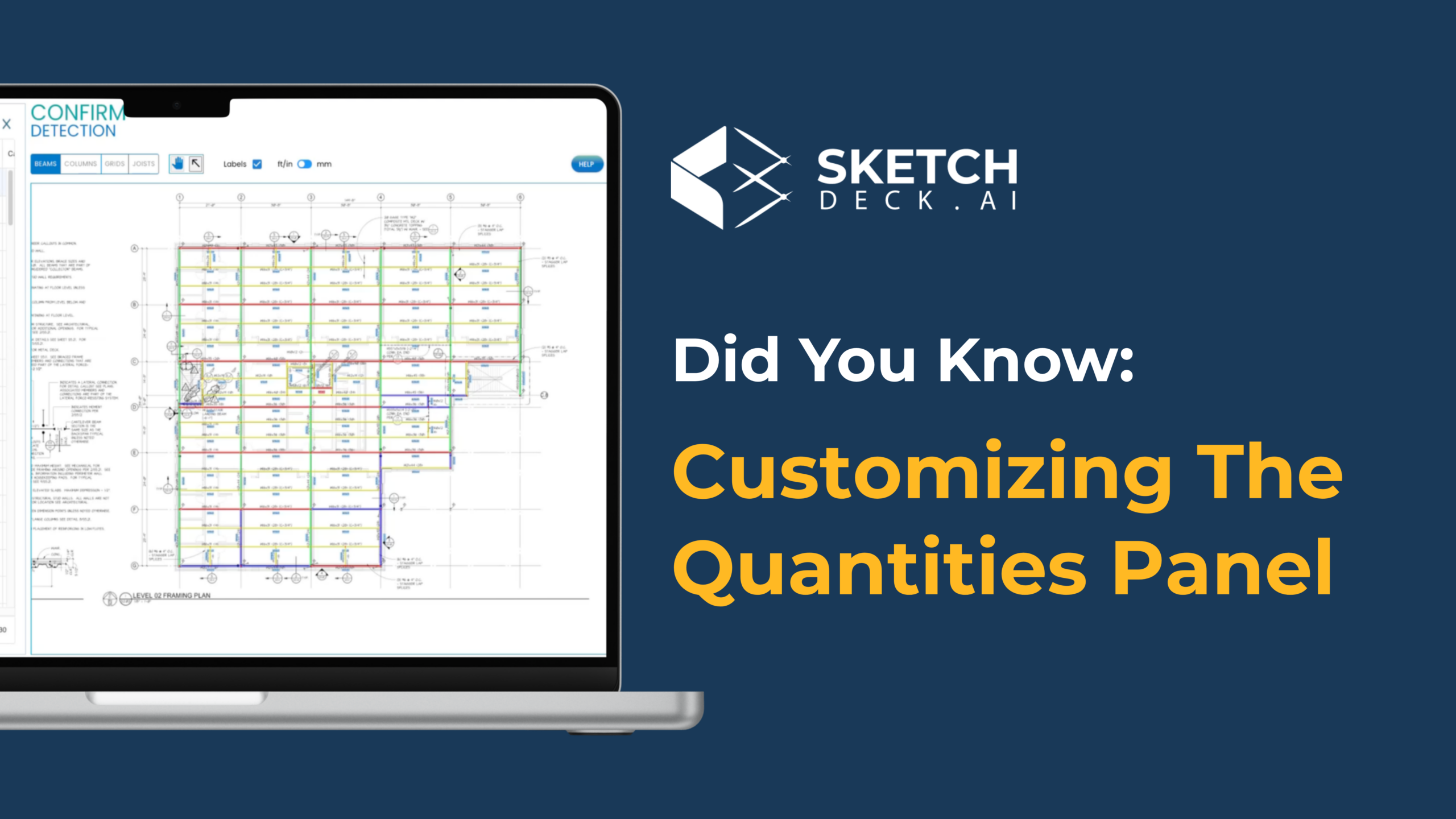
The Quantities Panel is where all your member data lives during a takeoff. By default, it shows the fields LIFT populates automatically: label, shape, size, length, studs, camber. But you can customize it to include any additional fields your team needs, set default values, add dropdown menus, and apply automations that fill in data for you.

This guide walks through each customization option so you can set up a panel that matches your existing estimating process.

Adding custom fields and headers

To add a new field, open the Quantities Panel settings and create a new column. You can name it anything that fits your workflow: finish type, man-hours, crane assignment, building area, cost code, or any other attribute your team tracks.

You can also add custom headers to group related columns together. This keeps your panel organized the same way your team already thinks about the data, so there is no need to restructure your process around the tool.

Setting default values to skip repetitive entry

For any custom field, you can assign a default value that pre-populates across all members in the project. This is most useful for attributes where one value applies to the majority of your members.

For example, if most of your members are unpainted, set "Unpainted" as the default for your Finish field. LIFT fills it in automatically, and you only update the exceptions. On a 200-member project, that saves a lot of clicks.

Building dropdown menus for consistent data

Instead of free-typing values into a field, you can create a dropdown menu with your predefined options. For a Finish field, your dropdown might include Painted, Galvanized, and Unpainted.

Dropdowns keep your data consistent across estimators and eliminate typos or naming variations that cause problems downstream when you export to Tekla, FabTrol, or Excel.

Both the dropdown options and the default value are editable at any time, so you can adjust them as your process evolves.

Applying automations to fill data automatically

This is where the panel saves the most time. LIFT supports both off-the-shelf and custom automations that populate fields based on rules tied to member attributes.

Off-the-shelf automations you can enable right away:

Custom automations your Customer Success rep can configure for your shop:

Using the pop-out view on a second monitor

Click the pop-out button in the Quantities Panel to open it in a separate window. This lets you view the panel on one monitor and the takeoff on another, which is especially helpful on large, multi-page projects where you need to reference your data while navigating drawings.

Watch the full walkthrough

This 3-minute video covers every step above, with a live demo inside LIFT.

Watch the video

Questions about setting up your panel? Reach out to your Customer Success rep or reply to this post. We are happy to help configure it to match your process.


New to LIFT? Book a demo and we will run a takeoff on one of your past projects.

Related reading

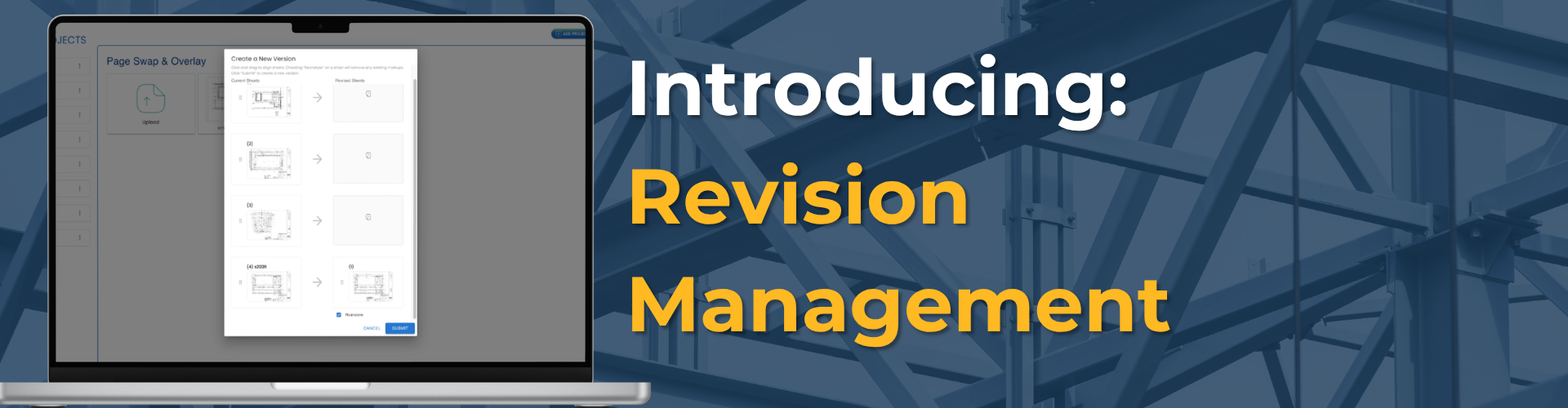
Introducing Revision Management with LIFT-Delta

Revision Management is now live in LIFT. It automates the manual work of comparing drawing sets, updating takeoffs, and documenting what changed, so fabricators and erectors can respond to rebids and change orders in minutes instead of hours.


Why Revisions Are So Painful

Revisions are part of every steel project. An addendum lands mid-bid. A change order comes through after award. An RFI triggers a drawing update mid-project. Each one forces the same interruption: stop what you're doing, find the revised drawing set, compare it to the one you already worked from, and figure out what actually changed.

On average, it takes around four to five bid cycles to win a job, and that doesn't include post-award change orders. Every one of those cycles ends with the same manual comparison work, under deadline pressure, while the rest of the pipeline keeps moving.

And it's not only estimators feeling it. Project managers and contract administrators live in the same revision cycle after award, when change orders and RFIs keep coming and the quantities need to stay accurate for billing and procurement.

For most teams, this means hours of manual comparison, an incomplete audit trail of what changed, and the constant risk of pricing at the wrong number because something slipped through.


What Revision Management Does

Revision Management automates the full cycle: identifying changes between drawing versions, updating the takeoff, and generating the documentation you need to bid or respond to change orders at the right price.

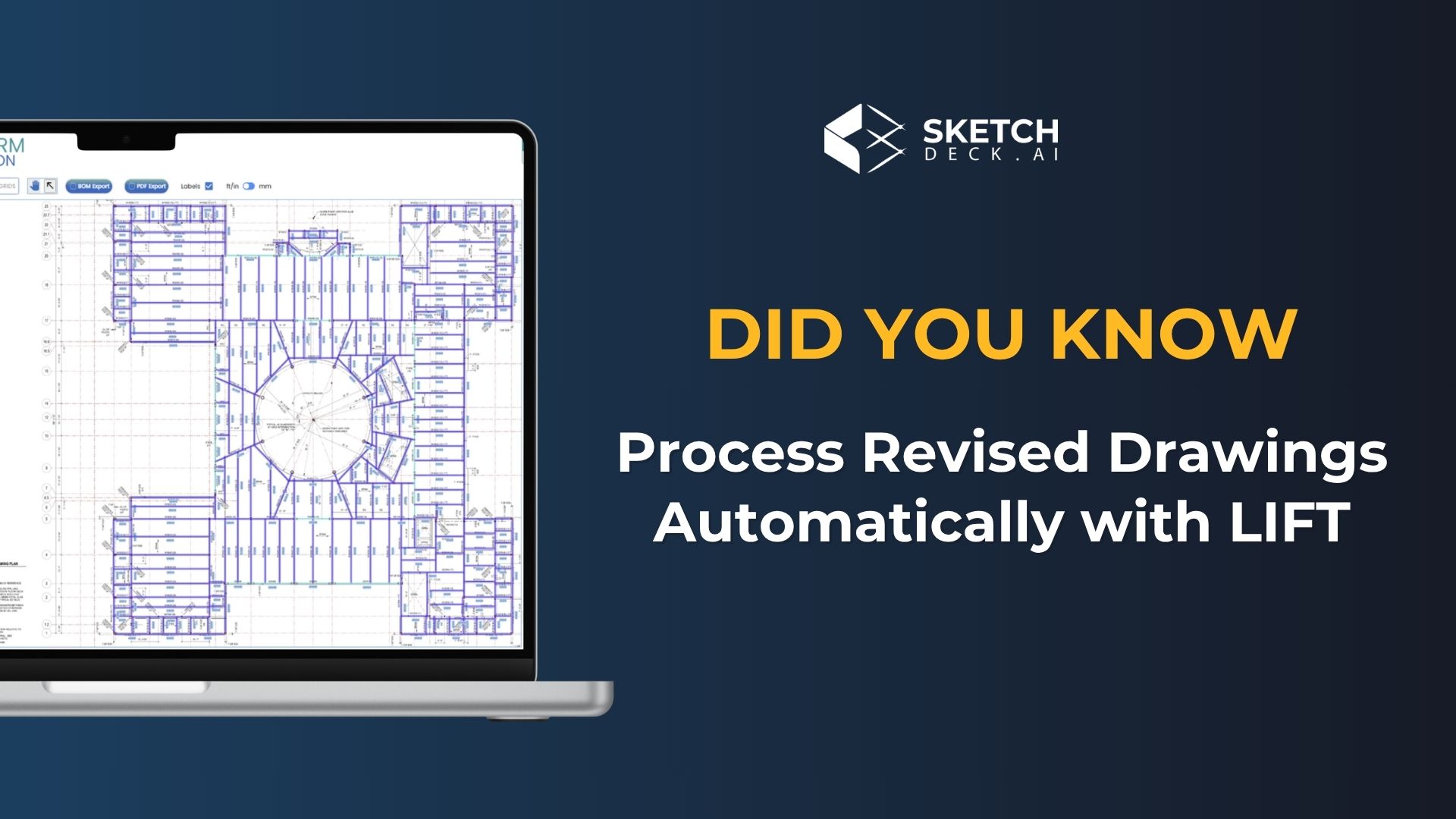
Upload a revised drawing set and LIFT compares it to your previous version. Every added, removed, or changed member gets flagged. Your previous work carries forward. You review only what's different. See the full Revision Management overview.

The core capabilities

Version comparison. Add a new version to an existing job, upload the revised drawings, and arrange the pages to produce a complete revised set. LIFT handles the version history automatically.

AI-powered change detection. Rather than transferring markups manually or re-analyzing from scratch, LIFT compares the two drawing sets and makes the changes for you. Processing takes roughly one to two minutes per page.

Quantity panel with change status. Every member in the takeoff is marked as added, changed, or deducted. You see the full picture of what moved between versions without hunting for it.

Overlay validation. Turn on the overlay to visually confirm the changes LIFT identified. Hover over a member to see a record of what changed, for example, from W250x33 to W360x33.

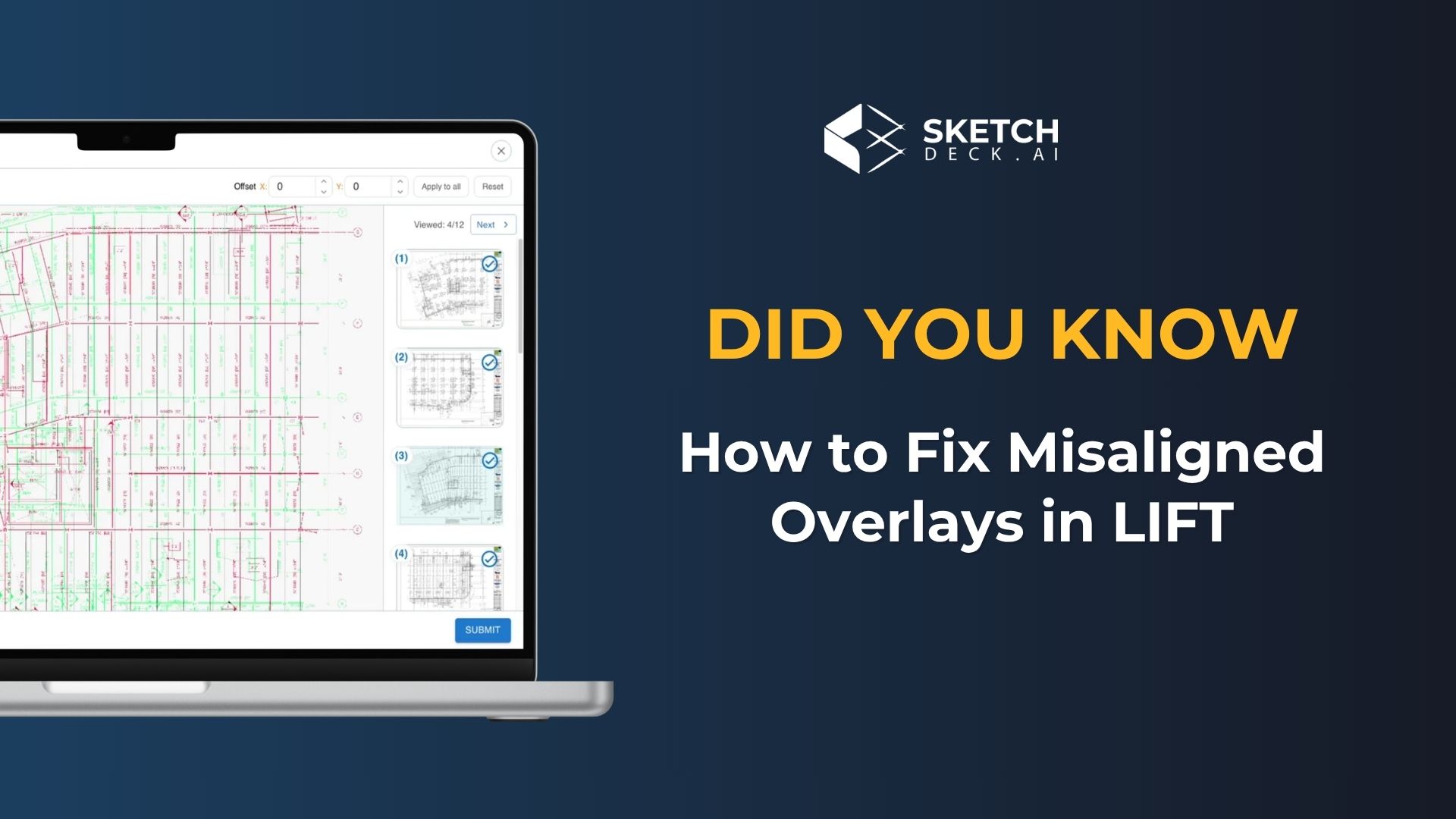
Page alignment tools. When pages don't align perfectly between drawing versions, a combination of click-and-drag and keyboard controls lets you fix alignment quickly to ensure accurate comparison.

Delta Report with tonnage summaries. A built-in summary shows net tonnage added, deducted, and changed by member type. On one beta job, this surfaced 150 tons added, 90 tons deducted, and just over 200 tons removed as the net change of moving to lighter members, all directly from the export.

BOM export with change status. Every line item in the exported BOM includes its status (added, changed, or deducted), giving downstream teams a clean record of what moved. The export is built to align with Tekla PowerFab and common internal estimation workflows.


What This Means for Your Team

For estimators, revisions stop eating hours. A revised drawing set comes in, LIFT processes it, and the updated takeoff is ready to review in minutes. No more rebuilding quantities from scratch to catch what changed.

For project managers and contract administrators, post-award change orders and RFIs become tractable. The quantities stay current, the audit trail is automatic, and billing and procurement have the documentation they need without a separate scramble.

For the business, rebids and change orders can be turned around at the right price, with confidence, instead of with whatever could be pulled together under deadline pressure.


Built with Customers, For Customers

Revisions have been the single most-requested feature in LIFT for over a year. Almost every estimator we sit with brings it up unprompted. We heard it enough times to know it was costing customers real money across the entire life of the project.

Several of our customers have been running Revision Management in beta for the past several months on real projects with real deadlines. Their feedback pushed us in directions we wouldn't have gotten to on our own, and shaped what we're shipping today.

The real credit for this release goes to them. To the customers who kept raising their hand, kept telling us where the pain was, and kept giving us feedback on the early builds. That's how good products get made.


Next Steps

Revision Management is available for every LIFT customer, new and existing. Reach out to your CSM or contact us to get access.

We're showing it live this week at NASCC 2026 in Atlanta. Stop by Booth #1127 to learn more.

Book a demo to see Revision Management on your own project drawings.

Did You Know: How LIFT Automates Weights, Connections, and Labor Codes

Most teams know LIFT for automating member takeoffs. Upload your drawings, get your counts. But LIFT goes well beyond member counting. It includes built-in automation for weight calculations, connection analysis, framing logic, and labor code integration.

These are the steps that typically eat up hours after the initial takeoff is done. They don't have to.

Automated Weight Calculations

Once a project is set up, LIFT's scale functionality calculates and populates member weights automatically, across your entire project, in seconds. This eliminates manual weight calculations and repetitive data entry, especially on larger jobs where those hours add up fast.

LIFT also keeps weight totals aligned as the project evolves, so you're not recalculating every time something changes. That gives you more confidence in your totals before submission.

On top of weights, LIFT captures camber and stud data automatically, eliminating the need to manually search drawings and count these details one by one.

Connection Detection and Analysis

Instead of reviewing connection conditions sheet by sheet, LIFT analyzes them systematically, identifying fabrication effort and labor allocation requirements before they become surprises downstream.

LIFT detects across several connection categories:

Copes identified by analyzing beam geometry and the relative sizes of connecting members.

Holes with quantities determined using AISC-based connection logic and double clip angle standards.

Moments detected through symbol recognition, identifying moment indicators on your drawings.

Framing codes using LIFT's own framing code system to categorize end conditions consistently across your project. For example, B2B represents a beam-to-beam connection, making it easy to review how members connect throughout the job.

Custom Labor Codes and Software Integration

For teams using Tekla PowerFab, EJE, or FabTrol, LIFT can apply custom labor codes and production rules automatically based on your internal standards. Provide your codes, and LIFT maps them to detected connections.

If you have man-hour calculations or labor factors, LIFT can incorporate those as well, structuring your data before it moves downstream into detailing or fabrication workflows.

Once everything is complete, your data exports directly into the software your team already uses.

Why This Matters for Your Bid Speed

The member takeoff is just the starting point. Weights, connections, and labor codes are where a lot of estimating time gets spent after the initial count is done. Automating these steps means your team gets from drawings to a complete estimate faster, with fewer manual errors along the way.If you're a current LIFT user and haven't explored these features yet, reach out to your Customer Success Manager to get set up.

If you're not yet using LIFT, book a demo and we'll walk you through the full workflow on your own drawings.

What’s New in LIFT: Smarter Detection, Cleaner Data, Faster Takeoffs

More accurate AI detection. New schedule support. Less manual cleanup. Here’s what’s changed inside LIFT, and what it means for your next bid.

If you’re already using LIFT to power your steel takeoffs, you’ve probably noticed things getting a little smoother lately. That’s not by accident.

Over the past year, the SketchDeck.ai team has been focused on a single goal: helping structural steel teams work faster, with more confidence, and with less time spent on manual data cleanup. The latest round of improvements to LIFT delivers on that promise across the board, from smarter AI detection to brand-new schedule support features.

Here’s a look at what’s changed and why it matters for your estimating workflow.

Better AI Detection Across Beams, Columns, and Joists

At the heart of every takeoff is detection accuracy. If the AI doesn’t get it right upfront, your team spends valuable time fixing data instead of focusing on the estimate. That’s why we’ve invested heavily in improving LIFT’s detection models across three key areas.

Beams: LIFT now does a better job identifying main members versus supporting elements. It also captures critical details like camber, total weight, member lengths, and related attributes more reliably. The result is cleaner beam data from the start, which means less manual validation downstream.

Columns: Detection improvements extend to columns as well, with new ways to capture column lengths. You can now use bottom-of-steel and top-of-steel references to quickly and consistently determine column heights. We’ve also enhanced grid analysis so that layouts are interpreted more accurately across your drawings.

Joists: LIFT now includes a dedicated joist model. This ensures joist counts align with supplier information, particularly useful when joists are installed on site, where discrepancies are common.

Together, these improvements increase overall detection accuracy, giving you more confidence in the information LIFT extracts from your drawings before you ever touch the data.

New Support for Graphical and Tabular Schedules

One of the most requested features from our users has been better schedule support, and we’ve delivered.

LIFT now supports graphical column schedules. Simply upload your drawings and LIFT can automatically detect and extract column information directly from the schedule, saving you the manual effort of cross-referencing.

We’ve also expanded this with support for tabular beam and column schedules. Once uploaded, schedule data can be entered and mapped so that LIFT automatically labels members throughout the project. This streamlines the entire workflow, connecting schedule data directly to your takeoff without extra steps.

Less Friction. More Estimating.

Every one of these enhancements is designed to remove friction from the takeoff process. The less time your team spends on data cleanup and manual validation, the more time they have to focus on what actually wins jobs: accurate estimates delivered fast.

As one of our customers, Justin Airhart at SSE, put it: “LIFT has cut my estimating time by 50 to 80 percent.” With these latest updates, that kind of time savings becomes even more achievable across a wider range of project types and drawing formats.

See It in Action


These features are available today inside the projects you’re already working on. If you’re a current LIFT user, you’ll see the improvements automatically as you work through your next takeoff.

If you’re not yet using LIFT, there’s never been a better time to see what AI-powered steel takeoffs can do for your team.

Book a Demo and test LIFT on your latest bid, risk-free.

Machine Learning in Construction: How LIFT Gets Smarter Over Time

It's the question every skeptical estimator asks during a demo.

You see the AI identify beams on a clean CAD PDF. It's fast. But you've been in this industry long enough to know that "demo drawings" aren't real life. Real life is a scanned set from 1995 with coffee stains. Real life is an engineer who invents their own symbols. Real life is a last-minute revision where the architect changes the naming convention for the third time.

So you ask the practical question: "What happens when I feed it my messy projects? Does it break, or does it learn?"

If you're using traditional software, it breaks. Static software only knows what it was programmed to know on day one.

Machine Learning (ML) works differently. Platforms like LIFT aren't just tools; they improve with use. The more you feed the system real projects, the more accurate it becomes.

In this guide, we'll explain how machine learning actually works in steel fabrication, why human estimators are the primary trainers of the system, and how the software you use today performs better six months from now.

If you want to see how this learning engine fits into your complete estimating workflow, start with The Ultimate Guide to Steel Estimating: Best Practices for Fabrication Success. That guide covers the full process from drawings to final bid, while this article focuses on a specific question: how LIFT learns from your projects and improves over time.


Part 1: Static Software vs. Learning Systems

To understand why LIFT improves, consider why older software doesn't.

Traditional Approach: Hard-Coded Rules

Traditional estimating software relies on rules written by programmers. A command might read: "If two parallel lines are 12 inches apart, flag it as a beam."

This works on perfect drawings. But introduce a crooked line, a revision cloud that overlaps the edge, or unusual spacing, and the rule fails. The software cannot adapt. It will keep failing until a programmer rewrites the code.

Machine Learning Approach: Learning from Examples

LIFT wasn't programmed with rules. It was trained on examples.

Starting in 2021, SketchDeck.ai collaborated with AISC-certified fabricators to feed the system real structural steel drawings. We didn't tell the computer "look for parallel lines." We showed it 50,000 examples of a W12x26 beam, clean, messy, rotated, faint and labeled them all as beams.

The system's Neural Network learned to recognize the pattern of a beam, regardless of noise or variation. It learned to tell a structural line from a scanner artifact.

This is the core difference: static software gets worse as projects get more complex. Learning systems adapt.


Part 2: How It Works

You don't need a PhD in computer science to understand the mechanics. Three concepts drive the engine.

1. Convolutional Neural Networks (CNNs)

CNNs are the architecture used for reading drawings. Think of them as digital filters that process your PDF in layers.

This hierarchical approach lets LIFT "see" a drawing the way a junior estimator does building from lines to meaning.

2. Transfer Learning

Transfer Learning explains why LIFT works specifically for steel.

The model started with foundational understanding of geometry (pre-trained on millions of generic images) and was then specialized for structural steel documents. It's like hiring an architect and teaching them your trade. They already know how to read plans; now they're learning steel details.

3. Active Learning

The system doesn't learn from all data equally. It uses Active Learning to focus on what it doesn't know.

If LIFT is 99% confident about a beam, seeing it again teaches it nothing. But if it encounters a unusual connection and is only 40% confident, that's valuable data. The model targets these gaps for learning.


Part 3: The Feedback Loop (You're the Teacher)

This is where you become central to the system. The biggest misconception about AI is that it replaces human judgment. The opposite is true: human feedback is what powers the machine.

Consider GPS mapping apps. When you drive and encounter a road closure that isn't on the map, you take a detour. The app notices. When enough drivers do the same, the app learns: "Road closed." Users make the map better.

LIFT uses the same approach: Human-in-the-Loop (HITL) architecture.

When you run a takeoff, LIFT generates a "draft" with detections. Most are correct (95–99%). Some may be wrong, a missed beam under text, a mislabeled connection.

You spot the error and correct it. To you, that's a quick fix. To the system, that's a training signal.

Every correction tells the AI: "You missed this pattern. Here's what it actually looks like."

SketchDeck CEO Daniel Kamau described this relationship in a technical briefing:

"We can train our machine learning models to improve whenever drawing quality is low... It's like a junior estimator preparing a set for you, and you're adjusting the elements."

Your messy drawings aren't a problem. They're the curriculum that trains the system for the next messy drawing.


Part 4: Continuous Learning Protects Against Outdated Software

A practical concern: in software, things change.

A static AI tool from 2021 would be accurate for 2021 drawings. By 2025, as conventions shift, accuracy would decline. This is Model Drift.

Continuous Learning prevents this degradation. LIFT is cloud-based and continuously retrained on new data from across the industry. If a new notation for "Moment Connections" emerges in California, and estimators there correct the AI to recognize it, the model learns that pattern. Your software gains capabilities it didn't have when you started.

For a practical view of how these improvements show up in your bid cycle, reduced cycle times, improved win rates, and better risk checks, pair this article with The Ultimate Guide to Steel Estimating, which maps these gains across your complete workflow.


Part 5: Real-World Results

Theory matters less than what happens on the job.

Fabricators using the Human-AI workflow report efficiency that compounds over time. Teams adjust to the review process, and the model handles more edge cases.

These gains come from two sources: the system's baseline accuracy (95% handled without human input) and the speed of human review (5% corrected and learned).

If you want to see how these time savings work on complex, multi-phase projects, How Steel Estimators Handle Complex Projects Without Burning Out: 5 Workflow Strategies That Cut Takeoff Time by 80% shows real examples of the workflow in action.


Part 6: What LIFT Cannot Learn

Be clear about limits. LIFT gets better at detection (finding the beam) but depends on you for judgment (knowing if it can be built).

The system learns to recognize patterns, pixels, and text:

It cannot learn business logic:

The goal is "Co-Pilot," not "Auto-Pilot." The system handles quantification, getting faster and more accurate each month. You handle the engineering, logistics, and strategy, the parts that actually win profitable work.


Conclusion: You're Buying a Trajectory, Not Just a Snapshot

When you evaluate software, don't just look at what it does today. Look at where it goes.

Traditional software is a depreciating asset. It's best the day you buy it, then slowly becomes outdated until you pay for a new version.

Machine Learning software is an appreciating asset. The more you use it, the more data it processes, the more feedback it receives, the more valuable it becomes.

LIFT currently processes millions of structural elements. Every correction by an expert estimator adds to a collective intelligence that lifts the entire user base.

The question isn't "does it work?" It's "will it grow with my team?"


Further Reading on Steel Estimating with AI


Ready to see how LIFT handles your specific drawings?

Book a Demo with SketchDeck.ai and run a live takeoff on one of your past projects. See the speed, check the accuracy, and decide for yourself if your workflow is ready for a change.

Bring your messiest PDF. Let's see what the system has learned and what you can teach it next.

From PDF to Takeoff- How LIFT Automates Steel Estimating (2 Minute Demo)

Steel estimators know the pain of manual takeoffs all too well. Spending hours clicking through blueprints, counting every beam and column, tracking studs and camber, and hoping you haven't missed anything critical. The traditional estimating process is time-consuming, error-prone, and creates a bottleneck that limits how many bids your team can complete.

What if you could transform that entire workflow? Instead of spending hours or even days on a single takeoff, imagine completing the same work in just minutes with higher accuracy.

Bill, a former steel estimator who now works with SketchDeck.ai, walks through exactly how LIFT's AI-powered takeoff software revolutionizes the steel estimating process from start to finish.

Watch How LIFT Works in 2 Minutes

Why Manual Steel Takeoffs Are Holding You Back

Before diving into how LIFT works, it's worth understanding why manual takeoffs create such significant challenges for structural steel fabricators.

Traditional takeoff methods require estimators to manually review every page of a drawing set, identify each structural element, record dimensions and specifications, and organize everything into a bill of materials. For a complex project with hundreds of pages, this can take days of focused work.

The manual process also introduces multiple opportunities for human error. Miss a few beams on page 47, and your bid could be thousands of dollars off. Work late into the night to meet a deadline, and mistakes become even more likely.

Most importantly, manual takeoffs limit your bidding capacity. If your estimators are buried in repetitive counting work, they can't focus on higher-value activities like analyzing complex connections, optimizing material selections, or pursuing new opportunities.

How LIFT Transforms the Takeoff Process

LIFT uses artificial intelligence and machine learning to automate the most tedious parts of steel takeoff work. Here's how the process works from uploading a drawing to exporting your final takeoff.

Step 1: Upload Your Drawings and Let AI Do the Detection

Getting started with LIFT is straightforward. Upload your PDF drawings into the software, and the AI immediately begins analyzing your project.

LIFT's machine learning algorithms scan each page of your drawing set, automatically detecting and categorizing main structural members. The software identifies beams, columns, bracing, joists, and other steel elements without any manual input required.

But LIFT doesn't stop at simple detection. The software captures detailed information for each element, including:

Depending on the size and complexity of your project, this automated analysis typically takes just a few seconds to a few minutes. Compare that to the hours you would normally spend manually counting and recording the same information.

The AI works through your entire drawing set systematically, ensuring consistent accuracy across every page. You get comprehensive material counts without clicking through drawings or maintaining complex spreadsheets.

Step 2: Automated Connection Analysis Saves Hours

After detecting main members, LIFT tackles another time-consuming challenge: connection analysis.

Analyzing connections manually requires careful review of each framing condition, counting copes and holes, identifying moment connections, and assigning appropriate labor codes. For a project with thousands of connections, this work can take as long as the initial member takeoff.

LIFT's connection automation features handle this work in seconds. The software automatically:

Run the connection analysis, and LIFT populates all these details across your takeoff. No more manually adding connection information for every line item. No more wondering if you've correctly assessed every framing condition.

This automation is especially valuable for complex projects with varied connection types. The software maintains consistency across your entire takeoff while you focus on reviewing the results rather than gathering the data.

Step 3: Seamless Integration with Your Existing Workflow

One of LIFT's key advantages is how it fits into your current estimating process. The software isn't a replacement for your entire workflow, but rather a powerful tool that handles the tedious parts while integrating with the systems you already use.

LIFT offers flexible export options for multiple industry-standard platforms:

This flexibility means your team doesn't need to completely change how they work. LIFT handles the counting and data capture, then delivers that information in whatever format your downstream processes require.

The integration capabilities also make it easier to get your team on board with new technology. Estimators can continue using familiar tools while benefiting from automated data collection.

Handling Drawing Revisions Without Starting Over

Every estimator knows the frustration of receiving revised drawings after completing a takeoff. In traditional workflows, changes might mean starting portions of your takeoff from scratch or carefully comparing old and new versions to identify differences.

LIFT simplifies change management significantly. When you receive updated drawings, simply upload the revised pages to replace the old versions.

The software includes an overlay feature that displays old and new drawings side by side. You can quickly identify what changed, understand the impact on your quantities, and update your takeoff accordingly.

This revision handling saves tremendous time during the bidding process. Instead of scrambling to rework your entire estimate when changes arrive, you can assess the impact and adjust your numbers in minutes.

Real-World Impact: What LIFT Users Experience

The benefits of AI-powered takeoff software extend beyond just speed. Steel fabricators using LIFT report multiple improvements to their estimating process:

Increased Bidding Capacity: Estimators complete takeoffs in a fraction of the time, allowing teams to pursue more opportunities without adding staff. Some LIFT users report completing 40% more bids with the same team size.

Improved Accuracy: LIFT detects steel on most drawings with 95-99% accuracy. Automated counting reduces the human errors that lead to costly bid mistakes.

Better Resource Allocation: With tedious counting work automated, estimators can focus on higher-value activities like connection optimization, value engineering, and building customer relationships.

Faster Response Times: Complete takeoffs in minutes instead of hours or days, allowing you to submit competitive bids faster and pursue last-minute opportunities.

AI Takeoff Software for Structural Steel Fabricators

The construction industry is increasingly adopting artificial intelligence to solve longstanding productivity challenges. For structural steel estimators, AI takeoff software like LIFT represents a significant leap forward from manual methods.

By automating material detection, connection analysis, and data organization, AI eliminates the repetitive work that consumes most of an estimator's time. The technology handles tasks that computers do better than humans while freeing people to focus on the judgment and expertise that truly require human intelligence.

For fabricators looking to stay competitive, the question isn't whether to adopt AI-powered estimating tools, but how quickly you can integrate them into your workflow.

Getting Started with LIFT

Seeing LIFT work with your actual project drawings is the best way to understand its capabilities. The SketchDeck.ai team offers personalized demos where they analyze one of your own drawings and provide a free project in LIFT.

This hands-on approach lets you evaluate the software's accuracy with your specific drawing types, understand how it fits your workflow, and see exactly how much time it could save your team.

Ready to transform your steel takeoff process?

Book a free demo today.